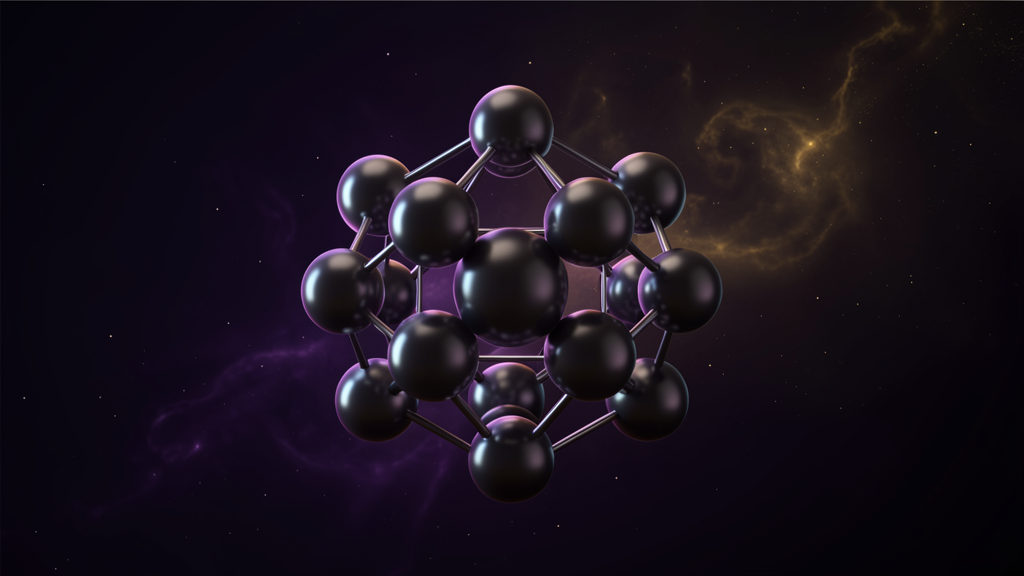
The Vector Equilibrium
What your chart looks like in 3D — the geometry beneath every reading
Every astrological chart you've ever seen is flat. A circle divided into twelve houses, planets placed around the rim. It is, essentially, a pie chart.
The Scalar Flower chart is different. It is a 3D structure — and the geometry at its core has a name: the Vector Equilibrium.
Click to open the example chart and toggle the Flower layer
What is the Vector Equilibrium?
In sacred geometry, the Vector Equilibrium (VE) is the shape where every point is equidistant from every other point. It is the only polyhedron where all edges are the same length and all angles are the same. It is, geometrically, perfect balance.
It is also the foundation of the Flower of Life — the pattern created by overlapping circles that has appeared in temples across Egypt, India, and Europe for millennia.
Why it matters for astrology
In the Scalar Flower, each planet is treated as a wave source — a point that radiates energy outward. The planet's position in the zodiac determines the direction of that radiation; the planet's nature determines the frequency.
When you place twelve wave sources around a sphere — one for each planet — their waves interfere. The pattern of interference creates the field of the chart.
The Vector Equilibrium is the zero-point of that field — the reference geometry from which all wave amplitudes are measured. It is the "flat line" against which the field's curvature is read.
Think of it this way: in a flat chart, you're looking at a shadow. In the Scalar Flower, you're looking at the three-dimensional structure that casts the shadow — and the Vector Equilibrium is the frame that holds it.
What you'll see in the chart
When you open the Scalar Flower viewer and enable the Flower layer, you're seeing the Vector Equilibrium rendered as a golden wireframe — the skeleton of the geometry.
Around it, colored spheres represent the planets. Lines connect each planet to the center. The space between the lines is the field — and the field's shape is what the reading interprets.
See it yourself
The best way to understand is to see. Open the example chart, rotate it in 3D, and toggle the layers:
- Flower — the Vector Equilibrium wireframe
- Sphere — the celestial sphere with the ecliptic
- Planets — the wave sources
- Field — the interference pattern